Cropping Images with Gemini - Prompt-Driven Automation Monitored by Langfuse
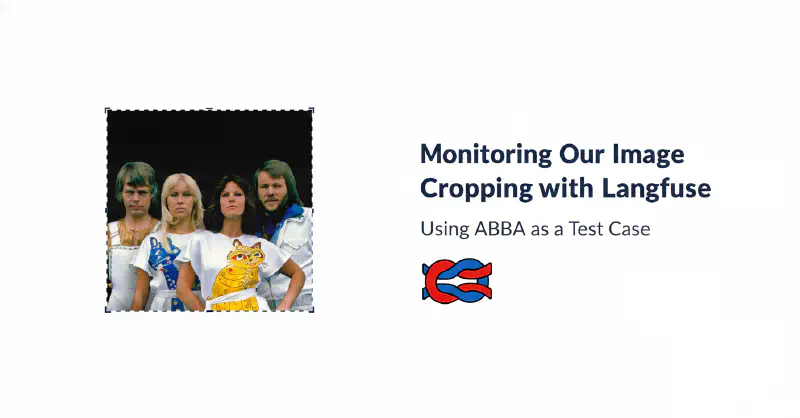
Table of Contents
Introduction
As we continue to spend more time in the AI world, we have found traditional testing tools are not sufficient for evaluating the outcomes of a Generative AI system.
To do this, we are using Langfuse, an open-source tool for observing and evaluating AI applications, to monitor and improve our systems.
In this workflow, a user uploads an image and provides a natural language prompt describing the crop—such as focusing on specific objects or faces. Gemini then analyzes the image and returns bounding box coordinates, which the application uses to perform the crop locally. We integrated Langfuse to provide detailed tracing of each run, including input prompts, image versions, model outputs, and metrics like token usage.
Most importantly, Langfuse enables human feedback through its annotation features: cropped results are queued for manual review, where annotators can rate crop quality (e.g., accuracy and appropriateness).
The AI Application: Prompt-Based Image Cropping

We use the following prompt in Gemini to get coordinates where we can do the cropping ourselves:
In this image I only want the 2 women shown. If there are already only 2 women, then do not crop the image and simply return the coordinates of the entire image. Otherwise, give me the coordinates to be able to crop the 2 women's faces. Return the crop format as a JSON object. Only return a single set of coordinates

This is the JSON object in python notation:
    class Coords(TypedDict): left: int top: int right: int bottom: int
This results in an output:
{
  "left": 340,
  "top": 270,
  "right": 660,
  "bottom": 450
}

Integrating Langfuse for Tracing and Storage
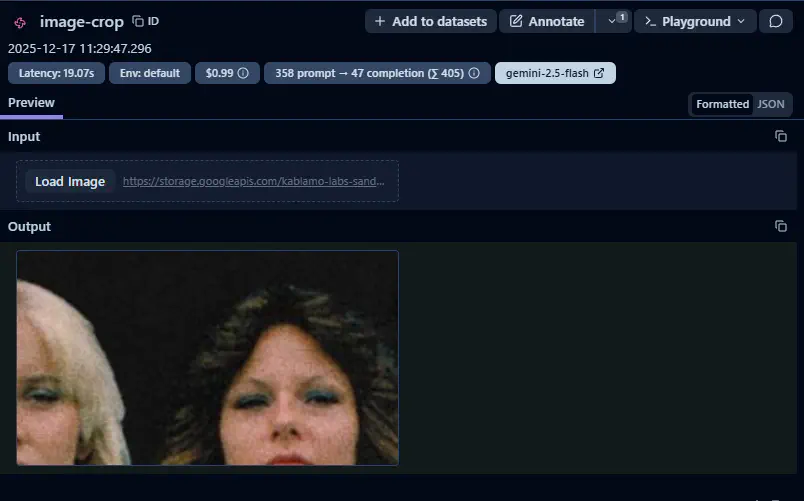
After receiving the response, the app performs the crop and uploads the results to Langfuse. We capture the original and cropped images plus metadata including token counts, execution time, and cost. We use Google Cloud Storage for long-term data persistence.
Adding Human Evaluation
An important step in this process is ensuring that the subjective assessment of the outcomes of the process are assessed by a Subject Matter Expert in this topic.
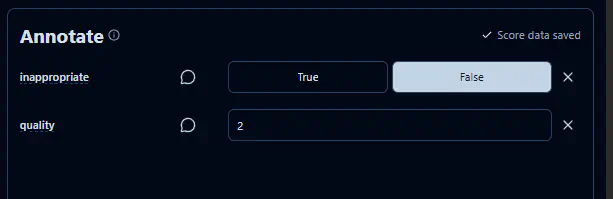
The system is configured to route data to a human annotation queue for quality evaluation. We defined two specific dimensions for review: quality (scored on a 1–10 scale) and inappropriateness (a boolean flag). To ensure the review process remains performant and does not overwhelm our subject matter experts, we only surface a sampled subset of total runs for manual audit.
Analyzing Results in the Langfuse Dashboard
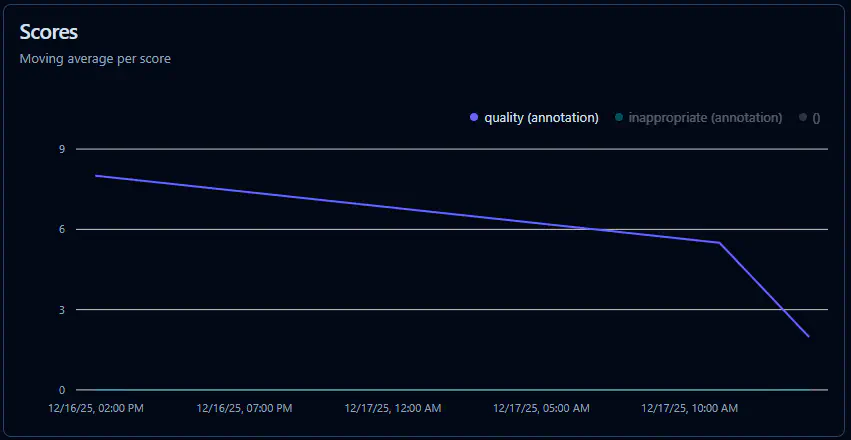
By aggregating data across multiple runs, we can establish a performance baseline and track the application’s evolution over time. This analysis allows us to identify quality regressions or ‘dips’ immediately following over the weeks. Ideally, we expect to see a steady upward trend in quality scores as we refine our prompts and pipeline. Furthermore, this data enables us to correlate execution costs against output quality, allowing us to identify the optimal middle ground where we maximize performance while maintaining cost-efficiency.
Going Further: Exporting Data for Custom Analysis
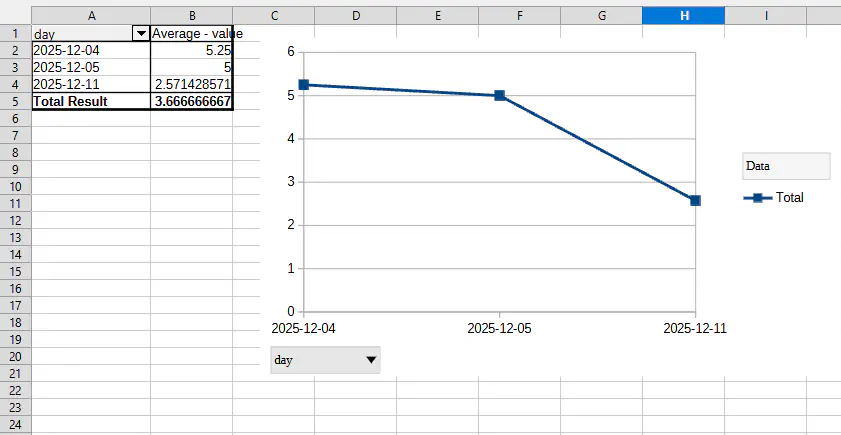
While Langfuse provides excellent out-of-the-box reporting for high-level monitoring, we required more granular control over visualization for stakeholder presentations. By leveraging the Langfuse data export feature, we were able to ingest our raw metrics into Excel and we could build our own graphs that matched our formats.
One specific logic requirement involved data sanitization: we configured our reporting to automatically override the quality score to zero for any image flagged as ‘inappropriate.’ This allowed us to use pivot tables to generate a more accurate representation of the pipeline’s performance.